


Communication of Relaza users
By going to the user's page you can send him a message by clicking on his name after the envelope icon.
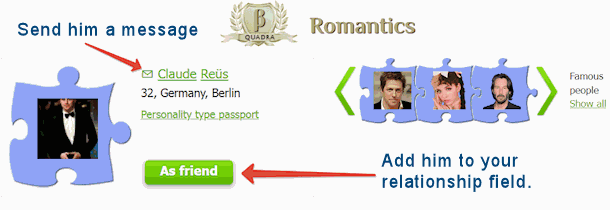
Note that you can only contact the user if they have not disabled this feature. To disable your personal contact form, uncheck this box on your Profile page.
The message will be delivered to the email address you specified during registration. You will also receive an answer to your email address.
Share:


